
Last updated Mar 31, 2026.
Qwen3.5-122B-A10B: Complete Guide to Architecture, Capabilities, and Real-World Applications
6 minutes read

Qubrid Team

So, instead of the usual models that use all their settings when making predictions, Qwen3.5-122B-A10B has a cool setup called Mixture-of-Experts (MoE). This allows the model to activate only a small subset of its parameters at each step while maintaining strong performance on complex reasoning and multimodal tasks.
For developers who want to experiment with the model without managing GPU clusters, Qwen3.5-122B-A10B is available on Qubrid AI as a vision model, allowing applications to analyze images and text together through serverless inference.
In this guide, we’ll explore how Qwen3.5-122B-A10B works, its architecture, capabilities, and how developers can start building with it.
What Is Qwen3.5-122B-A10B?
Qwen3.5-122B-A10B is a large-scale multimodal Mixture-of-Experts foundation model designed for reasoning, coding, and visual understanding.

The model contains 122 billion total parameters, but only 10 billion parameters are activated during each inference step. This selective activation is made possible by the MoE routing mechanism, which sends tokens to specialized expert networks instead of using the entire model.
On Qubrid AI, the model is available as a vision-language model, meaning it can process both text and images for multimodal reasoning tasks.
Key characteristics include:
122B total parameters
10B active parameters per token
Mixture-of-Experts architecture
Multimodal vision + language reasoning
Strong coding and reasoning capabilities
Long context window (~256K tokens)
Because only a portion of parameters are activated during inference, the model achieves a strong balance between performance and efficiency.
Try Qwen3.5-122B-A10B on Qubrid AI: 👉 https://qubrid.com/models/qwen3.5-122b-a10b
Architecture: How Qwen3.5-122B-A10B Works
The model introduces a hybrid architecture that combines efficient attention mechanisms with sparse expert routing.
Hybrid Attention Architecture
Qwen3.5 integrates linear attention techniques with traditional transformer attention, allowing the model to handle long context windows more efficiently while maintaining strong reasoning performance.
This design helps reduce computational overhead while enabling large-scale context processing.
Sparse Mixture-of-Experts
Instead of a dense neural network where every parameter is used during inference, Qwen3.5-122B-A10B uses expert routing.
In practice:
122B parameters exist in total
~10B parameters are activated per inference step
This approach significantly reduces compute requirements while still providing the intelligence of a much larger model.
Native Vision-Language Design
Qwen3.5-122B-A10B is designed as a vision-language model, meaning it can process images and text together. This means the model can analyze images, understand visual documents, interpret charts or screenshots, and use both visual and textual information together to provide more accurate responses.
Because of this multimodal capability, the model can power more advanced AI systems that interact with real-world visual data.
Performance and Benchmarks
Benchmark results show strong performance across reasoning, coding, and multimodal understanding tasks.
Knowledge & Reasoning
Benchmark | Qwen3.5-122B-A10B |
|---|---|
MMLU-Pro | 86.7 |
MMLU-Redux | 94.0 |
SuperGPQA | 67.1 |
Multimodal Reasoning
Benchmark | Score |
|---|---|
MMMU | 83.9 |
MMMU-Pro | 76.9 |
MathVision | 86.2 |
MathVista | 87.4 |
These benchmarks highlight strong performance in visual reasoning, STEM problem solving, and multimodal tasks, placing the model among the top open models in its category.
For more details, please refer to Qwen's blog post Qwen3.5.
Deployment Options
Developers can deploy Qwen3.5-122B-A10B depending on their infrastructure requirements.
Self-Hosted Deployment
Organizations that want full control over infrastructure can run the model locally using frameworks such as Hugging Face Transformers, vLLM and SGLang.
These frameworks provide the tools needed to load the model, process requests, and generate responses efficiently.
However, models of this scale typically require multiple high-memory GPUs, which can make self-hosting complex.
Managed Inference Platforms
Another option is using managed inference infrastructure. Developers can access Qwen3.5-122B-A10B on Qubrid AI, where GPU scaling and infrastructure management are handled automatically.
This approach removes the need to set up GPUs, letting developers access the model instantly through APIs. It also supports scalable inference for production applications and makes experimentation and deployment faster. This makes it much easier for developers to build applications using large AI models.
What Can You Build with Qwen3.5-122B-A10B?
The architecture of Qwen3.5-122B-A10B enables a wide range of practical AI applications.
Vision-Language Applications: Applications can analyze screenshots, charts, documents, and other visual data alongside natural language prompts.
AI Coding Assistants: The model can generate code, debug errors, and help developers analyze repositories.
Enterprise Knowledge Systems: Organizations can build RAG-based assistants that search internal documents and knowledge bases.
AI Agents and Automation: The model can power agents that plan tasks, use tools, and automate multi-step workflows.
Document and Data Analysis: Teams can analyze reports, PDFs, and scanned documents using both visual and textual reasoning.
Getting Started with Qwen3.5-122B-A10B on Qubrid AI
Running a model of this scale locally requires significant GPU infrastructure. Developers can experiment with it directly on Qubrid AI using serverless inference.
Step 1: Sign Up on Qubrid AI
Create an account on the Qubrid platform and receive free credits to test models.
Step 2: Try the Model in the Playground
In the playground, you can upload images, ask questions about what appears in them, and try different prompts that combine both text and visual inputs.
Try the model here: 👉 https://qubrid.com/models/qwen3.5-122b-a10b
Step 3: Generate an API Key
Create an API key from the Qubrid dashboard to securely connect your application with the Qubrid inference API.
Step 4: Integrate Using Python API
This allows developers to integrate the model directly into applications.
from openai import OpenAI

# Initialize the OpenAI client with Qubrid base URL
client = OpenAI(
    base_url="https://platform.qubrid.com/v1",
    api_key="QUBRID_API_KEY",
)

stream = client.chat.completions.create(
    model="Qwen/Qwen3.5-122B-A10B",
    messages=[
      {
        "role": "user",
        "content": [
          {
            "type": "text",
            "text": "What is in this image? Describe the main elements."
          },
          {
            "type": "image_url",
            "image_url": {
              "url": "https://cdn.britannica.com/61/93061-050-99147DCE/Statue-of-Liberty-Island-New-York-Bay.jpg"
            }
          }
        ]
      }
    ],
    max_tokens=16384,
    temperature=1,
    top_p=0.95,
    stream=True,
    presence_penalty=1.5
)

for chunk in stream:
    if chunk.choices and chunk.choices[0].delta.content:
        print(chunk.choices[0].delta.content, end="", flush=True)

print("\n")
Why Developers Choose Qubrid AI
Developers choose Qubrid AI because it simplifies access to powerful open models.
Key benefits include:
serverless inference infrastructure
easy-to-use APIs and playground
no GPU management required
ability to experiment with many AI models
free credits to start building
Start Building Today
Qwen3.5-122B-A10B demonstrates how modern AI models can combine efficient architectures with strong multimodal capabilities. Its Mixture-of-Experts design enables powerful reasoning and vision understanding while keeping inference practical.
Try Qwen3.5-122B-A10B on Qubrid AI: 👉 https://qubrid.com/models/qwen3.5-122b-a10b
Explore other Qubrid models over here: 👉 https://qubrid.com/models
You can test prompts, analyze images, and start building AI applications without managing infrastructure. 🚀
Related posts
View all posts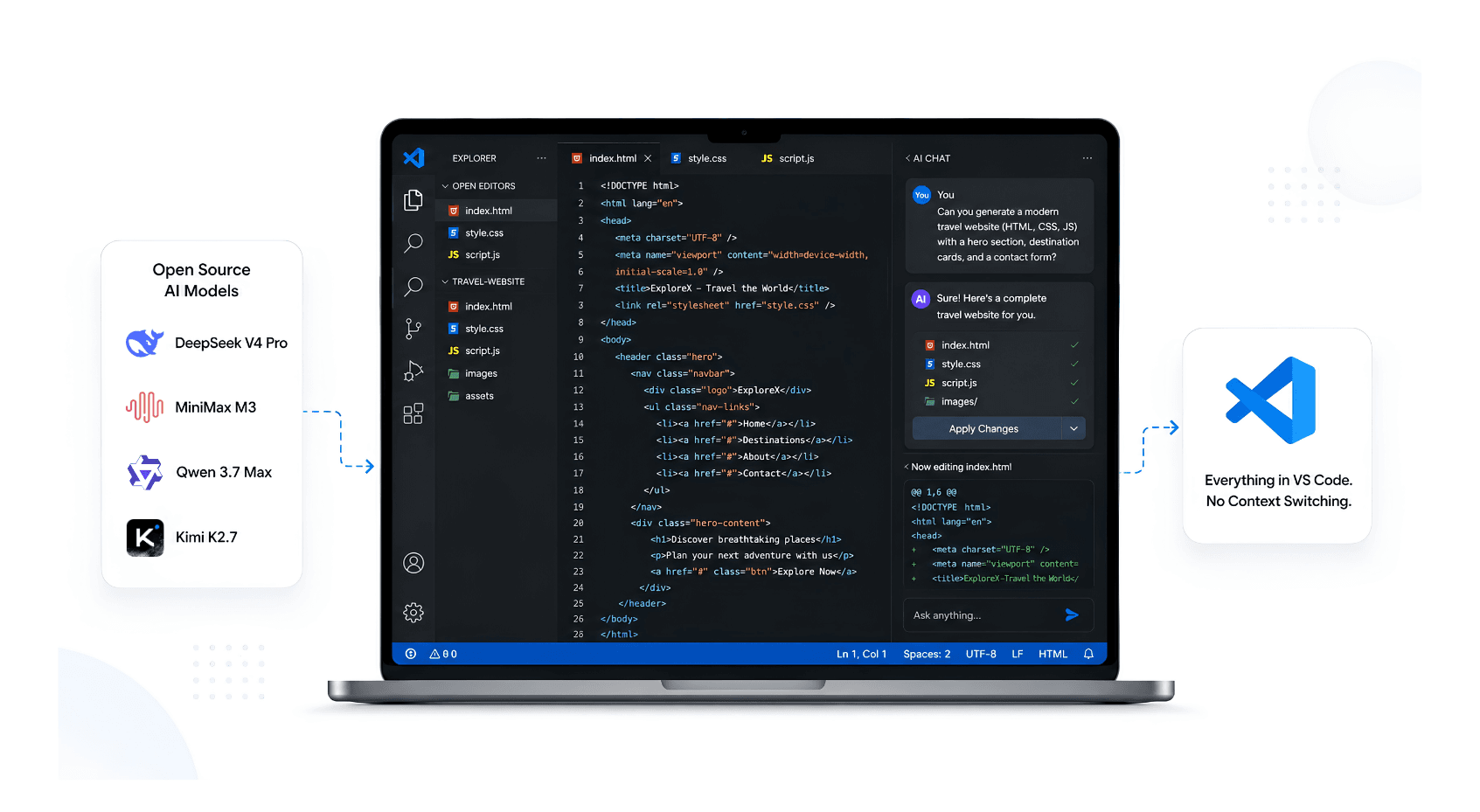
How to Use Open Source AI Models Directly in VS Code (Without Switching Tools)
Stop context-switching between your editor and AI chat tools. Here's how to run open source models like GLM-5.2, DeepSeek, and Llama 4 natively inside VS Code using Qubrid's inference API
 Qubrid Team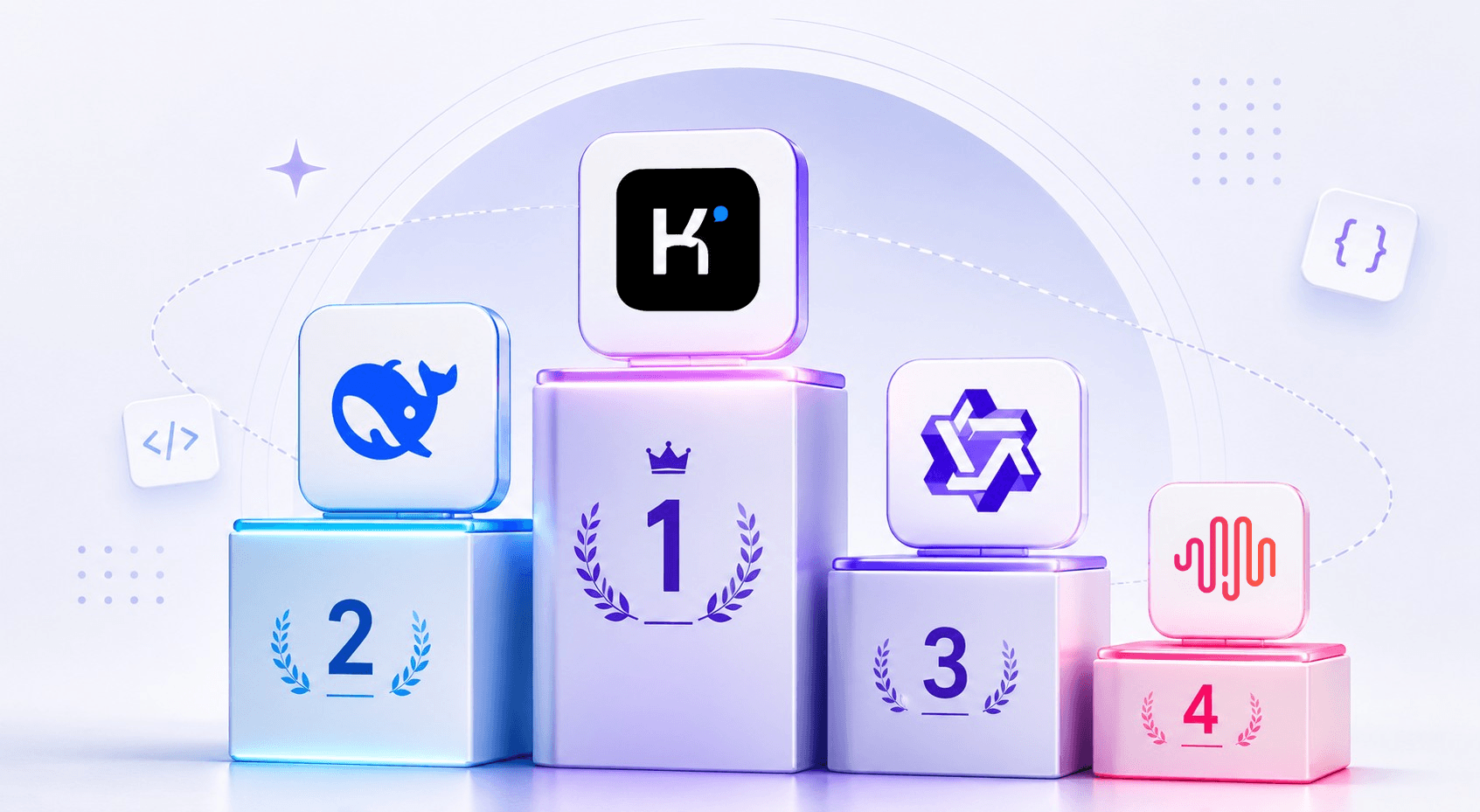
The Best Open-Source LLMs for Coding in 2026: A Qubrid AI Guide
The open-source coding race just lapped the closed frontier on price. Here's how to pick your model
Qubrid Team
Stop Guessing. Compare AI Models Side-by-Side
One prompt. Up to four models. Real-time responses, latency, cost, throughput - everything you need to make the right AI decision, finally in one place.
Qubrid Team