Qwen 3.5-397B-A17B: Complete Guide to Architecture, Capabilities, and Real-World Applications
Instead of requiring the full compute footprint of a 400B-parameter model at every step, Qwen3.5 dynamically activates only a subset of its parameters. This allows developers to access large-model intelligence while keeping deployment practical for real-world applications.
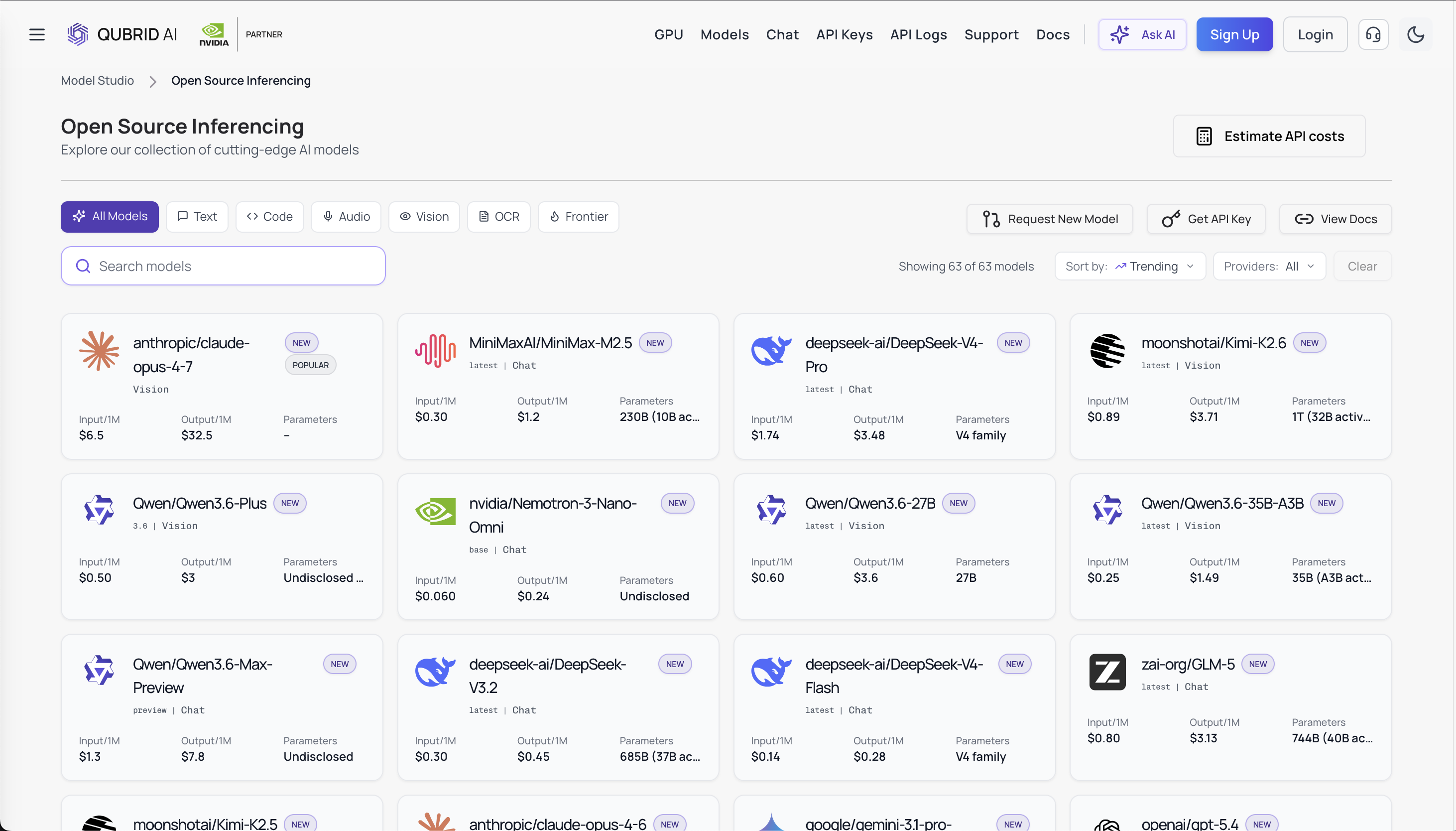
For developers who want to experiment without managing large GPU clusters, the model can also be accessed through Qubrid AI, where it can be run through serverless inference and integrated into applications quickly.
In this guide, we’re diving into how Qwen3.5-397B-A17B works, what sets it apart from regular LLMs, and we’ll also cover how developers can jump in and start building with it.
What Is Qwen3.5-397B-A17B?
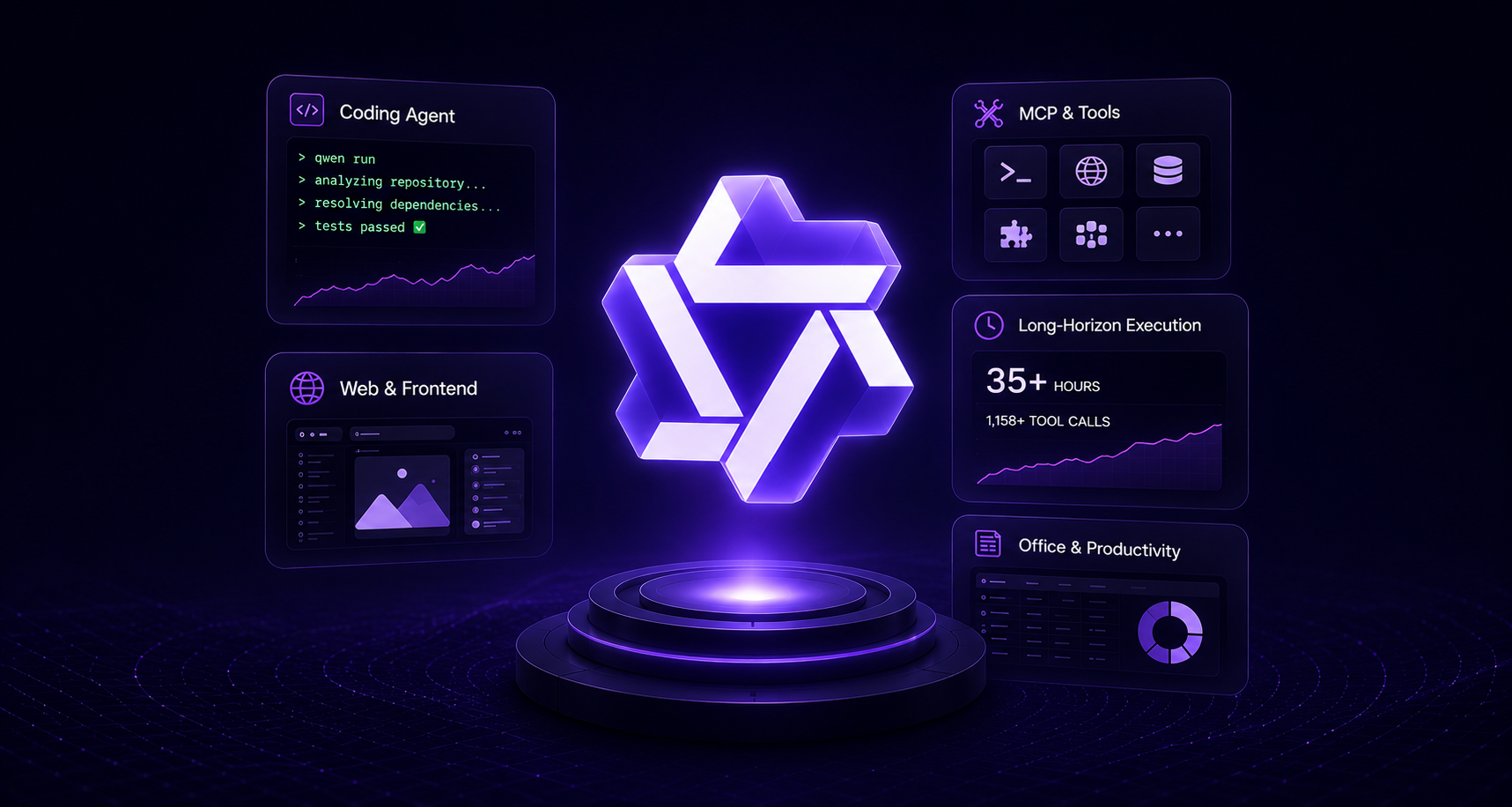
Qwen3.5-397B-A17B is a large-scale open-weight Mixture-of-Experts foundation model designed for reasoning, coding, and complex AI workflows. The model also supports multimodal reasoning, allowing it to process both text and visual inputs in advanced AI systems.
👉 Try Qwen3.5-397B-A17B on the Qubrid AI Playground: https://platform.qubrid.com/playground?model=qwen3.5-397b-a17b
The model contains 397 billion parameters, but only 17 billion parameters are activated per inference step. This design uses a Mixture-of-Experts architecture, where the model routes tokens to specialized expert networks rather than using the entire model every time.
Key characteristics include:
397B total parameters
17B active parameters per token
advanced reasoning capabilities
strong coding performance
long context support
multimodal understanding (text + vision)
efficient Mixture-of-Experts architecture
This architecture allows the model to deliver large-model performance while reducing the computational cost typically associated with models of this size.
Developers interested in experimenting with the model can also run it directly on Qubrid AI, which provides infrastructure optimized for running large open models without managing GPUs manually.
Performance and Benchmarks
Early benchmark results show Qwen3.5 performing competitively with leading open models. The model showcases impressive performance across a variety of domains, including reasoning benchmarks, coding assessments, mathematical reasoning, and knowledge tasks.
Knowledge & Reasoning
Benchmark | Qwen3.5 122B-A10B | Qwen3.5 27B | Qwen3.5 35B-A3B | GPT-5 mini | Claude Sonnet 4.5 |
|---|---|---|---|---|---|
MMLU-Pro | 86.7 | 86.1 | 85.3 | 83.7 | 80.8 |
GPQA Diamond | 86.6 | 85.5 | 84.2 | 82.8 | 80.1 |
HMMT Feb 2025 | 91.4 | 92.0 | 89.0 | 89.2 | 90.0 |
MMMLU | 86.7 | 85.9 | 85.2 | 86.2 | 78.2 |
MMMU-Pro | 76.9 | 67.3 | 68.4 | 67.3 | 75.0 |
Coding & Software Engineering
Benchmark | Qwen3.5 122B-A10B | Qwen3.5 27B | Qwen3.5 35B-A3B | GPT-5 mini | Claude Sonnet 4.5 |
|---|---|---|---|---|---|
SWE-bench Verified | 72.0 | 72.4 | 69.2 | 72.0 | 62.0 |
Terminal-Bench 2 | 49.4 | 41.6 | 40.5 | 31.9 | 18.7 |
LiveCodeBench v6 | 78.9 | 80.7 | 74.6 | 80.5 | 82.7 |
CodeForces | 2100 | 1899 | 2028 | 2160 | 2157 |
Agentic Tasks
Benchmark | Qwen3.5 122B-A10B | Qwen3.5 27B | Qwen3.5 35B-A3B | GPT-5 mini | Claude Sonnet 4.5 |
|---|---|---|---|---|---|
BFCL-V4 (Tool Use) | 72.2 | 68.5 | 67.3 | 55.5 | 54.8 |
BrowseComp (Search) | 63.8 | 61.0 | 61.0 | 48.1 | 41.1 |
ERQA (Embodied) | 62.0 | 60.5 | 64.7 | 52.5 | 54.0 |
Despite activating only a fraction of its total parameters during inference, the model maintains strong performance compared to dense models with similar total size. This balance between efficiency and capability is one of the main reasons Qwen3.5 has gained significant attention in the AI community.
Deployment Options
Developers can deploy this model using several approaches depending on their infrastructure requirements.
Self-Hosted Deployment
Organizations that want full control over their infrastructure can choose to run the model on their own servers. This usually involves using popular inference frameworks such as Hugging Face Transformers, vLLM, or SGLang, which provide the tools needed to load the model, handle requests, and generate responses efficiently. Some teams also build custom inference pipelines tailored to their specific applications or internal systems.
However, running a model as large as Qwen3.5-397B-A17B locally can be challenging. Models of this size typically require multiple high-end GPUs with large amounts of memory, along with careful optimization to maintain stable performance. Setting up and maintaining this infrastructure can be complex and expensive, which is why many teams prefer using managed inference platforms instead of self-hosting.
Managed Inference Platforms
Another option is to use managed inference infrastructure. Instead of running the model on your own servers, developers can access Qwen3.5-397B-A17B through Qubrid AI, where the underlying GPUs and scaling are handled automatically. This means you can interact with the model through a simple API without worrying about setting up or maintaining GPU clusters.
Using managed infrastructure has several advantages. It allows developers to experiment with the model quickly, since there is no complex setup required. The infrastructure is already optimized, which simplifies deployment and maintenance. It also supports scalable inference, so applications can handle more users or requests without additional configuration. Finally, it makes integration into applications much easier, since developers can call the model directly through an API.
Overall, managed inference makes it much faster and more practical to start building applications with large AI models.
Real-World Applications
The architecture of Qwen3.5 enables a wide range of practical AI applications.
Intelligent Coding Assistants: Qwen3.5 can power developer tools that generate code, debug errors, analyze repositories, and assist programmers during development.
Enterprise Knowledge Systems: Organizations can use Qwen3.5 to search internal knowledge bases, analyze documents, and power RAG-based enterprise assistants.
AI Agents and Automation: Qwen3.5 enables AI agents that can plan tasks, use tools, and automate multi-step workflows.
Qwen3.5 vs Hosted Qwen3.5-Plus
The Qwen ecosystem includes both open-weight models and hosted variants.
Feature | Qwen3.5-397B-A17B | Qwen3.5-Plus |
|---|---|---|
Access | Open weights | Managed API |
Context window | Deployment dependent | Up to 1M tokens |
Tool use | Manual integration | Built-in tool support |
Deployment | Self-hosted | Cloud service |
Developers can choose between flexibility and ease of use depending on their deployment requirements.
Getting Started with Qwen3.5-397B-A17B on Qubrid AI
Running a model of this scale locally requires significant GPU infrastructure. Developers can experiment with Qwen3.5 models directly on Qubrid AI using serverless inference APIs. The platform also provides access to multimodal and vision-language models, allowing developers to build applications that combine text reasoning with image understanding. Below is a quick walkthrough to start using the model.
Step 1: Get Started on Qubrid AI (Free Tokens)
Qubrid AI is designed for developers who want quick results, affordable pricing, and no hassle with managing infrastructure.
Getting started is simple:
Sign up on the Qubrid AI platform
Start with a \(5 top-up and get \)1 worth of tokens free to explore the platform and run real workloads.
Access Qwen3.5-397B-A17B instantly from Playground
Step 2: Try Qwen3.5-397B-A17B in the Playground
Before writing any code, you can test the model directly in the interactive playground.
👉 Try Qwen3.5-397B-A17B on the Qubrid AI Playground: https://www.qubrid.com/models/qwen3.5-397b-a17b
How to Test
Open Qubrid Playground
Select Qwen/Qwen3.5-397B-A17B under Vision usecase
For vision you can upload any image and ask questions on the image. Enter a prompt like: "Describe the above bill and recalculate it"

You will quickly observe: clarity in reasoning, organized presentation, and robust technical explanations. This environment is ideal for prompt testing.
Step 3: Generate Your Qubrid API Key
Before integrating Qwen3.5-397B-A17B into your application, you’ll need to generate an API key from Qubrid AI. This key allows your application to securely communicate with the Qubrid API.
Navigate to the API Keys section where you can create a new key for your project. After generating the key, make sure to store it securely, since it will be used to authenticate requests when your application sends prompts to the model.
Step 4: Integrate Qwen3.5-397B-A17B via Python API
Below is a standard Qubrid AI inference pattern for text generation.
from openai import OpenAI

# Initialize the OpenAI client with Qubrid base URL
client = OpenAI(
    base_url="https://platform.qubrid.com/v1",
    api_key="QUBRID_API_KEY",
)

stream = client.chat.completions.create(
    model="Qwen/Qwen3.5-397B-A17B",
    messages=[
      {
        "role": "user",
        "content": [
          {
            "type": "text",
            "text": "What is in this image? Describe the main elements."
          },
          {
            "type": "image_url",
            "image_url": {
              "url": "https://cdn.britannica.com/61/93061-050-99147DCE/Statue-of-Liberty-Island-New-York-Bay.jpg"
            }
          }
        ]
      }
    ],
    max_tokens=16384,
    temperature=0.6,
    top_p=0.95,
    stream=True
)

for chunk in stream:
    if chunk.choices and chunk.choices[0].delta.content:
        print(chunk.choices[0].delta.content, end="", flush=True)

print("\n")
The response is structured, high-quality, and ready for production applications.
What Can You Build with Qwen3.5 on Qubrid?
Developers are already using the model for:
Long-Context RAG: Applications such as legal research assistants, enterprise knowledge base search, and documentation retrieval systems.
Vision Applications: systems that analyze screenshots, charts, scanned documents, or visual data alongside natural language queries.
AI Agents: Systems like planning agents, workflow automation tools, and assistants that can use external tools to complete tasks.
Developer Tools: Tools including code review assistants, debugging copilots, and repository analysis systems.
Startup Applications: Products such as AI chatbots with memory, analytics copilots for data insights, and research assistants for faster knowledge discovery.
Why Developers Choose Qubrid AI
Developers choose Qubrid AI because it simplifies access to large open models.
The key benefits are: rapid inference infrastructure, user-friendly APIs and playground, no need for GPU or infrastructure configuration, versatile model experimentation, and complimentary credits to kickstart your building process.
For teams that want to run Qwen3.5-397B-A17B in production, Qubrid AI provides one of the easiest and fastest ways to get started.
Start Building Today
If you want to explore one of the most powerful open language models available today, the best way to start is by experimenting with it directly.
👉 Try Qwen3.5-397B-A17B on the Qubrid AI Playground: https://www.qubrid.com/models/qwen3.5-397b-a17b
You can test prompts, integrate the API, and begin building applications powered by large-scale AI without managing infrastructure.