Last updated Sep 1, 2026.
GLM-5.3-Flash API: The Complete Developer Guide
8 minutes read

Qubrid Team
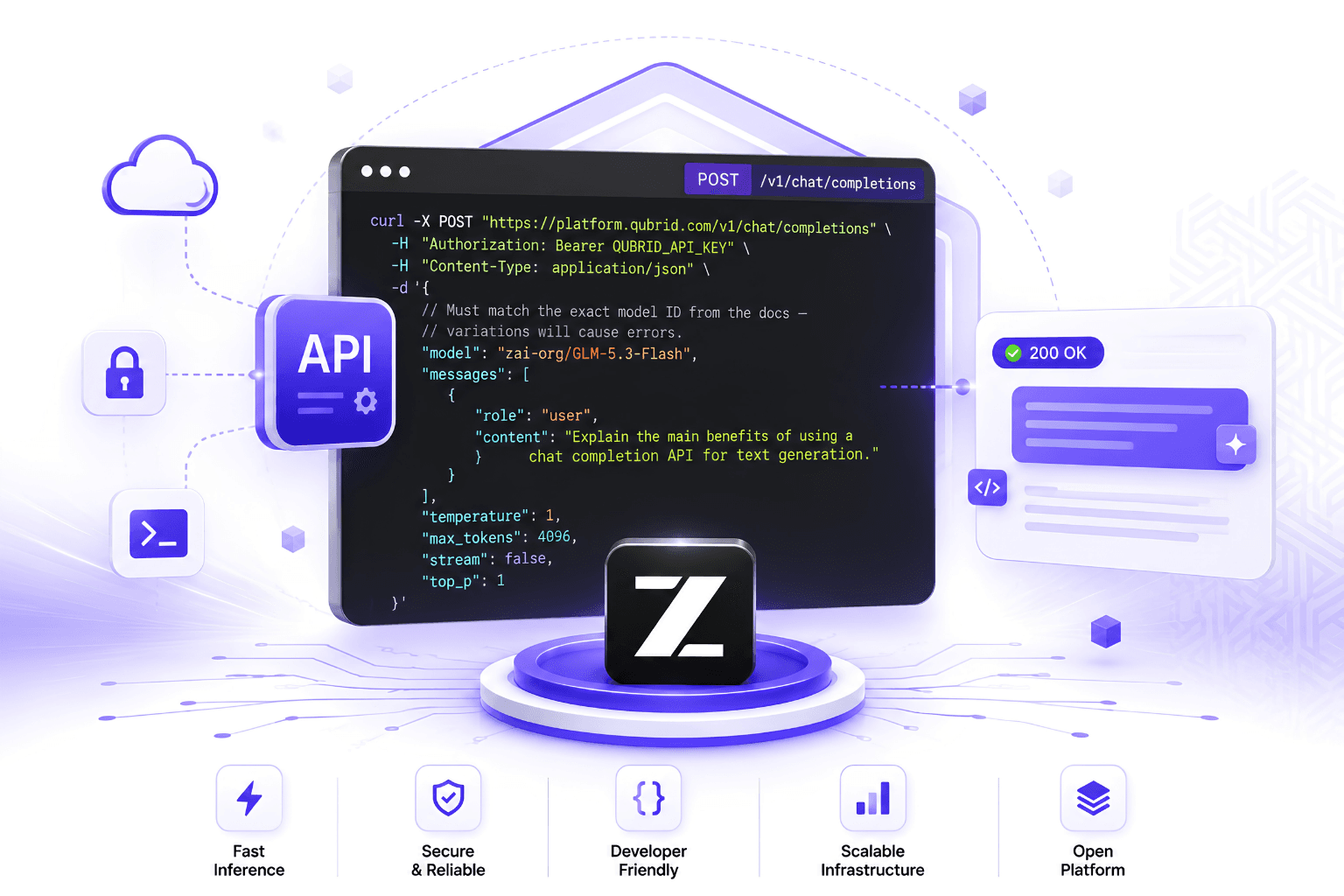
Quick answer: The GLM-5.3-Flash API is live on Qubrid AI at https://platform.qubrid.com/v1 with the model string zai-org/GLM-5.3-Flash. It is OpenAI-compatible, so an existing integration needs three changes: base URL, API key, model string. Set reasoning_effort explicitly, because thinking is always on and the default is max.
What you are calling
GLM-5.3-Flash is a 320B-total, 18B-active multimodal mixture-of-experts model released under the MIT license on August 26, 2026. As the Z.ai team documents on the model card, it is the first natively multimodal model in the GLM-5 series, handling text, image and video through a single chat completions interface.
Property | Value |
|---|---|
Model string |
|
Architecture | Sparse MoE, 320B total / 18B active, 8 of 288 experts per token |
Attention | Hybrid KDA linear + NoPE sparse MLA, 45 layers |
Context window | 1,048,576 tokens declared in the checkpoint |
Input modalities | Text, image, video |
Thinking | Always on, |
License | MIT |
Basic setup
from openai import OpenAI

# Initialize the OpenAI client with Qubrid base URL
client = OpenAI(
    base_url="https://platform.qubrid.com/v1",
    api_key="QUBRID_API_KEY",
)

response = client.chat.completions.create(
    # Must match the exact model ID from the docs - variations will cause errors.
    model="zai-org/GLM-5.3-Flash",
    messages=[
        {
            "role": "user",
            "content": "Explain the main benefits of using a chat completion API for text generation."
        }
    ],
    max_tokens=4096,
    temperature=1,
    top_p=1,
    stream=False
)

print(response.choices[0].message.content)
The model string is zai-org/GLM-5.3-Flash exactly as written. Case and the organisation prefix both matter.
Reasoning effort: the parameter that decides your bill
This is the most important thing to know about integrating GLM-5.3-Flash, and it works differently from most reasoning models.
Thinking is always on. As the vLLM Recipes project puts it, the generation prompt opens a <think> block unconditionally. There is no enable_thinking: false. What you get instead is three depth levels:
Mode | How to request | Behaviour |
|---|---|---|
Max (default) | Omit | Deepest reasoning. Hard maths, multi-step planning, agentic tasks. Highest token cost. |
High |
| Balanced depth and latency. |
Low |
| Lightest reasoning. Simple Q&A, lowest latency and token cost. |
response = client.chat.completions.create(
    model="zai-org/GLM-5.3-Flash",
    messages=messages,
    max_tokens=4096,
    extra_body={
        "chat_template_kwargs": {
            "reasoning_effort": "low",   # low | high | max
        }
    },
)
Two behaviours that will bite you if you do not know them:
Only
lowandhighare recognised as overrides. The chat template resolves anything else tomax, including typos and including"medium", which is not a valid level on this model. A misspelled value fails silently and expensively.The resolved level is injected into the system prompt as
Reasoning Effort: Low|High|Max, so it consumes a small amount of your prompt budget and is visible to the model.
Z.ai's model card recommends keeping the default max for benchmark and leaderboard reproduction. That is guidance about reproducibility, not about production traffic. Artificial Analysis measured the model generating 150M output tokens across its Intelligence Index, against a 110M median for comparable open-weight models. Reasoning traces bill as output.
What to set:
Workload | Setting |
|---|---|
Classification, routing, extraction, short summarisation |
|
Chat, RAG answering, code completion |
|
Multi-step agents, debugging, repo-level changes |
|
Hard one-shot problems, benchmark reproduction |
|
Chat scenarios
The model card notes that clear_thinking defaults to false, and recommends passing it explicitly for chat:
extra_body={
    "chat_template_kwargs": {
        "reasoning_effort": "low",
        "clear_thinking": True,
    }
}
Streaming with separated reasoning
Because thinking cannot be turned off, handling the reasoning field is not optional. If you skip this, chain-of-thought text will surface to your users.
reasoning_content = ""
answer_content = ""
is_answering = False

for chunk in completion:
    if not chunk.choices:
        if chunk.usage:
            print("Usage:", chunk.usage)
        continue

    delta = chunk.choices[0].delta

    if getattr(delta, "reasoning_content", None):
        reasoning_content += delta.reasoning_content
    elif getattr(delta, "reasoning", None):
        reasoning_content += delta.reasoning

    if getattr(delta, "content", None):
        if not is_answering:
            is_answering = True
        answer_content += delta.content
Vision and video input
GLM-5.3-Flash is natively multimodal rather than a text model with an adapter. Both images and video use standard OpenAI multi-part content blocks.
# Image
response = client.chat.completions.create(
    model="zai-org/GLM-5.3-Flash",
    messages=[{
        "role": "user",
        "content": [
            {"type": "image_url", "image_url": {"url": "https://your-domain.com/invoice.png"}},
            {"type": "text", "text": "Extract every line item as JSON with description, quantity, and unit price."},
        ],
    }],
    max_tokens=2048,
)
# Video
response = client.chat.completions.create(
model="zai-org/GLM-5.3-Flash",
messages=[{
"role": "user",
"content": [
{"type": "video_url", "video_url": {"url": "https://your-domain.com/clip.mp4"}},
{"type": "text", "text": "What happens in this video?"},
],
}],
max_tokens=512,
)As the vLLM recipe explains, the chat template expands each into <|begin_of_image|> or <|begin_of_video|> placeholder tokens, and the same image token is reused for video frames, with frame spans delimited by the video start and end tokens.
A note on document extraction
The model card carries LlamaIndex ExtractBench results, and the split matters more than the mean: 96.30 on short documents against 51.56 on medium, for a mean of 80.75.
Practically, that means GLM-5.3-Flash is excellent at pulling structured data from invoices, receipts, forms and single-page records, and materially weaker as documents grow. If you are building a document pipeline, split long inputs into shorter units before extraction rather than feeding whole reports. Use reasoning_effort: "low" for these tasks - extraction is perception and formatting, not deliberation.
Recommended sampling parameters
Z.ai publishes evaluation settings per benchmark rather than a single recommended profile. These are the values they used:
Scenario | temperature | top_p |
|---|---|---|
General use, HLE evaluation | 1.0 | 0.95 |
Long-context code generation (NL2Repo) | 1.0 | 1.0 |
Agentic coding (DeepSWE) | 0.95 | 1.0 |
Vision (BabyVision) | 1.0 | 0.95 |
Start at temperature 1.0 and top_p 0.95 unless your workload matches one of the others.
Context window: what you actually get
The checkpoint declares 1,048,576 tokens, and the vLLM recipe confirms it. But Z.ai's own footnotes describe evaluating DeepSWE under 400K context and NL2Repo under 1M, and Artificial Analysis lists the model's context window as 400K based on served deployments.
The weights support a million tokens. What any given deployment serves depends on configuration, because KV cache demand scales with context and concurrency. If you have a genuine long-context workload, test it against your real inputs rather than trusting the specification number.
For long-context work, the hybrid attention design is doing the heavy lifting: 45 layers combining KDA linear attention with NoPE sparse MLA, which Z.ai credits with sharply reducing long-context serving costs.
Migrating an existing integration
Three changes:
Base URL to
https://platform.qubrid.com/v1API key to your Qubrid key
Model string to
zai-org/GLM-5.3-Flash
Then four things before you scale:
Set
reasoning_effortexplicitly. You will inheritmaxby omission, andmediumis not a valid value on this model.Handle the reasoning delta field. Thinking cannot be disabled, so this is mandatory rather than optional.
Set temperature to 1.0 and top_p to 0.95 rather than inheriting framework defaults tuned for other models.
Restructure your prompt so invariant content comes first, to earn implicit cache hits at $0.0172 rather than $0.0863 per 1M tokens.
Troubleshooting
Reasoning text appearing in user-facing output. Thinking is always on. Read delta.reasoning_content separately from delta.content. If you are self-hosting, this is the missing --reasoning-parser glm45.
reasoning_effort seems to be ignored. Only low and high are recognised. Any other value silently resolves to max. Check for typos, and note that medium is not valid here.
Model not found. The string is zai-org/GLM-5.3-Flash, with the organisation prefix and exact casing.
Responses truncating mid-reasoning. At max effort the reasoning trace can consume your entire max_tokens before the answer starts. Lower the effort or raise the budget.
Extraction accuracy dropping on longer documents. This is the ExtractBench pattern rather than a configuration error. Split long documents into shorter units.
Tool calls not parsing when self-hosting. The correct parsers are --tool-call-parser glm47 and --reasoning-parser glm45, with --enable-auto-tool-choice.
Frequently asked questions
What is the GLM-5.3-Flash API endpoint? https://platform.qubrid.com/v1 on Qubrid AI, with model string zai-org/GLM-5.3-Flash. It is OpenAI-compatible, so any OpenAI SDK works unchanged.
Can I turn off thinking on GLM-5.3-Flash? No. The generation prompt opens a <think> block unconditionally. You can only reduce depth with reasoning_effort: "low".
What reasoning effort levels does GLM-5.3-Flash support? Three: low, high and max. The default is max. There is no medium, and passing one silently falls back to max.
What is the GLM-5.3-Flash context length? The checkpoint declares 1,048,576 tokens. Served deployments vary and are commonly configured lower, so test your real workload.
Does the GLM-5.3-Flash API support images? Yes, and video. Both use standard OpenAI content-block syntax with image_url and video_url.
What sampling parameters should I use with GLM-5.3-Flash? Temperature 1.0 and top_p 0.95 for general use. Z.ai used temperature 0.95 and top_p 1.0 for agentic coding evaluations.
Why is my GLM-5.3-Flash response getting cut off? The reasoning trace is consuming your max_tokens before the answer begins. Lower reasoning_effort or raise the budget.
How much does the GLM-5.3-Flash API cost? $0.0863 per 1M input tokens, $0.29 per 1M output, $0.0172 per 1M cached input on Qubrid AI.
Get your API key
zai-org/GLM-5.3-Flash is live on Qubrid AI.
Generate an API key at platform.qubrid.com
Point your OpenAI SDK at
https://platform.qubrid.com/v1Set
model="zai-org/GLM-5.3-Flash"Set
reasoning_effortbefore you scale
Qubrid AI serves 60+ open-source models behind one OpenAI-compatible API, alongside on-demand GPU compute and on-premises appliances.